
Print your shipping label without a printer
Your label is on your phone but you have no printer? Sort it in our print app: upload, pay, and your sticker is waiting at the counter.
- € 1,00 per label, one-off
- from € 0,30 per label with a credit package
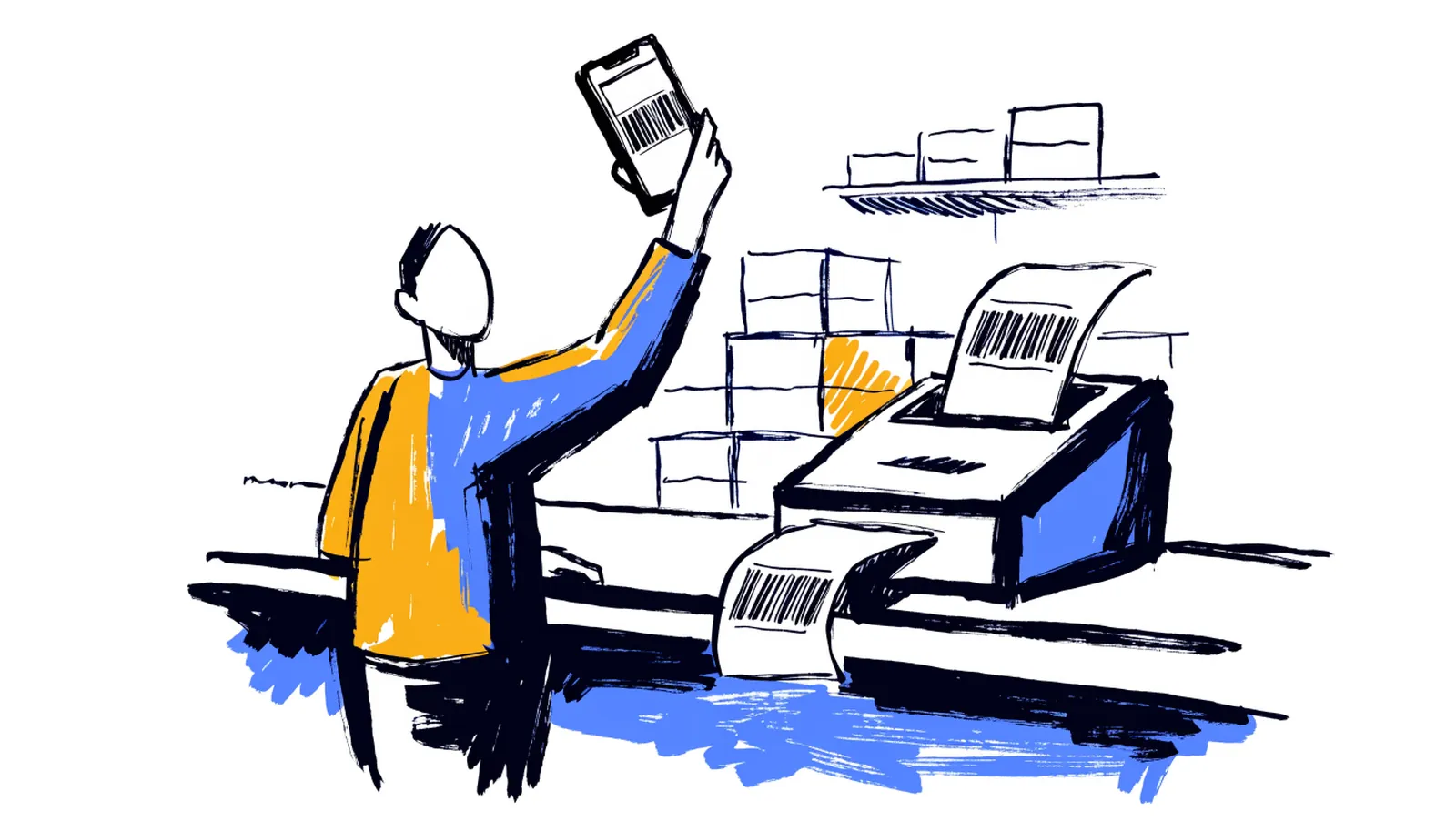
How to print your label with us
You handle everything on your own phone - no e-mailing, no waiting for help.
-
1
Upload your label
PDF, photo or screenshot - HEIC from your iPhone works too. The app usually finds the label on the page by itself.
-
2
We check the quality
The app checks whether the barcode is sharp enough to scan. You only continue once it is good.
-
3

Pay securely online
With iDEAL or Bancontact, or with credit from your account. Paying at the counter is possible too.
-
4

Collect your label
Your label rolls out of our printer right away. Pick it up at the counter, stick it on, done.
If the app rejects your file because of the quality, you pay nothing.
More than just printing
-

In 8 languages
The whole app is available in eight languages - from upload to your payment receipt.
-
Credit is cheaper
Buy a credit package and print from € 0.30 per label. Your balance is always in your account.
-
Prepare at home
Save labels in your account ahead of time and print the whole series in one go in the shop.
-

As an app on your phone
Add print.pakketpuntwaalwijk.nl to your home screen and the print app sits among your other apps.
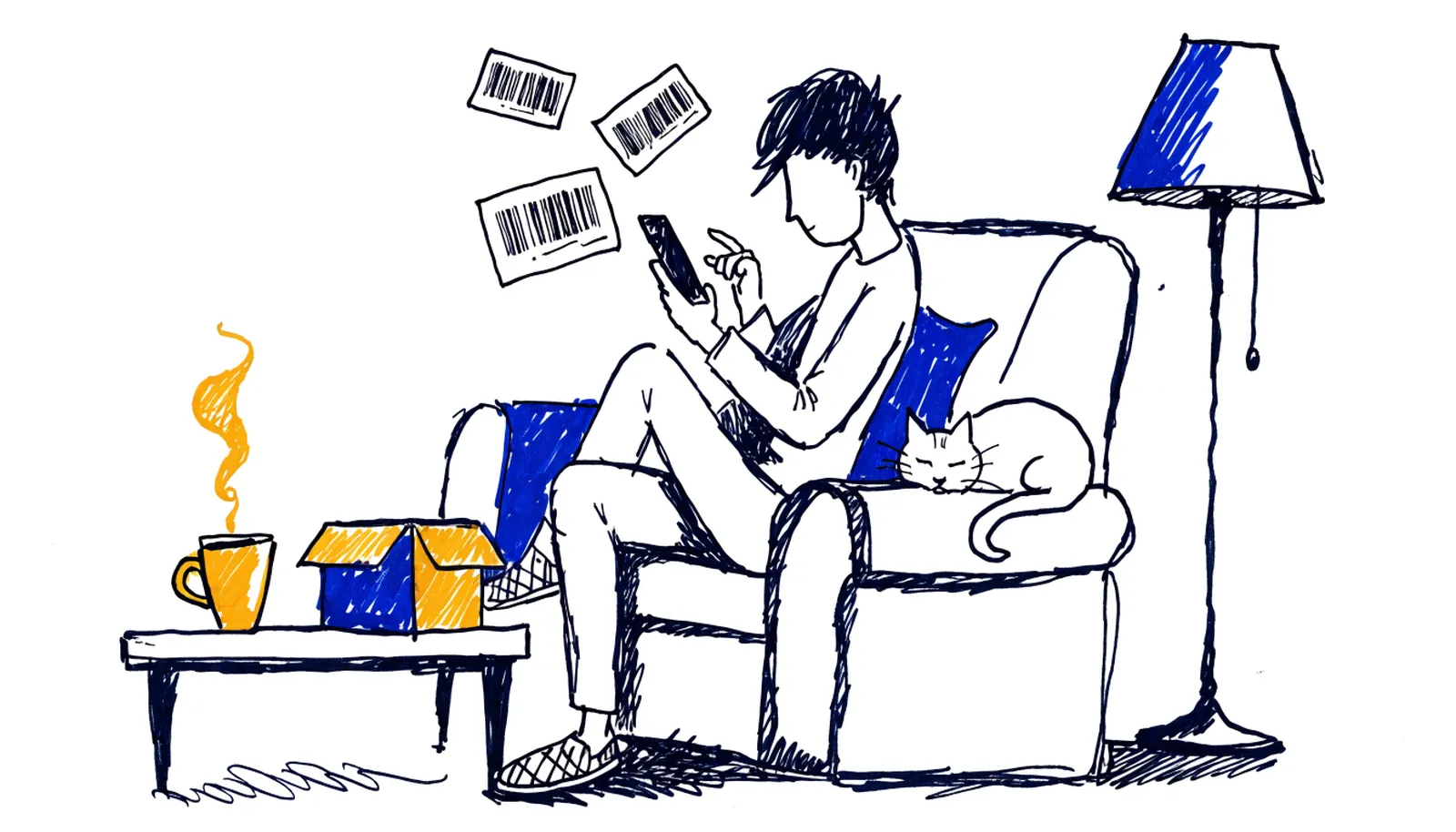
Prepare your labels at home
Selling on Vinted or Marktplaats and dropping off parcels regularly? Create a free account, upload your labels comfortably at home and keep them in your account.
In the shop you press one button and the whole series prints back to back. Saved labels are kept for 7 days.
Frequently asked questions about printing
Which files can I upload?
PDF, JPG, PNG and HEIC (iPhone photos), up to 12 MB per file. A screenshot of your label works as well.
Do I need an account?
No. A single label prints without an account for € 1.00. With a free account you can buy credit packages from € 0.30 per label and save labels for later.
How do I pay?
Online in the app with iDEAL or Bancontact, or with your credit. Prefer to pay at the counter? That works too.
Where does my label come out?
In our shop. You collect the printed sticker at the counter - it is usually ready by the time it is your turn.
Sending a parcel today?
Open the print app, upload your label and collect the sticker at the counter. Done in two minutes.
Tip: add print.pakketpuntwaalwijk.nl to your home screen - the app works in 8 languages.